

Editor’s note: This article was originally published in 2022 and has been updated with Flighty’s latest features and pricing.
I’ve used a lot of flight tracking apps over the years but Flighty has become one of my favorite. If you travel frequently, especially when there’s bad weather, air traffic control problems or other disruptions, having accurate information as quickly as possible can make a huge difference.
 I first wrote about Flighty back in 2022, when it was still relatively new. The app launched in 2019 after its founders spent more than a year testing it with pilots and flight crews. A lot has changed since then and Flighty has become significantly more powerful.
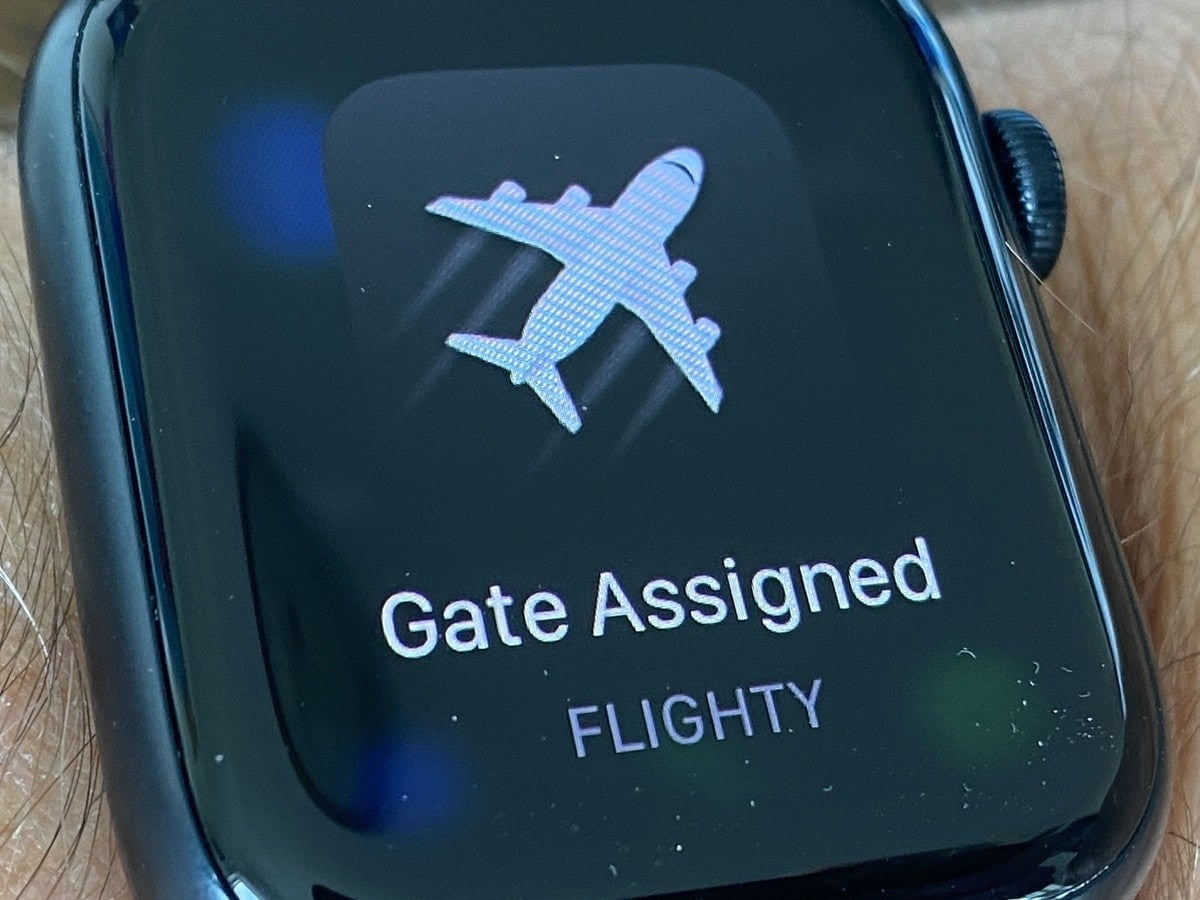
Flighty is still only available in the Apple ecosystem, but it’s no longer just an iPhone app. It now works on iPhone, iPad, Mac, Apple Watch and Apple Vision Pro and even integrates with CarPlay.
What makes Flighty so useful?
What I love most about Flighty is that it puts an incredible amount of useful flight information in one place without making it difficult to understand.
Add your flight and Flighty can alert you to delays, cancellations, gate changes, aircraft changes, baggage claim information and other important updates. It also shows your flight path, aircraft information, taxi times and estimated arrival information.
One of my favorite features is Where’s My Plane?, which allows you to see where your aircraft is coming from. This is something I recommend travelers check even when using an airline’s own app because a late inbound aircraft can be an early warning that your flight might be delayed.
Flighty says its Pro users can receive some delay information before the airline sends its own notification. It pulls information from sources including FAA and air traffic control data, which is one reason the app can sometimes give travelers an early heads-up.
Delay predictions and airport problems
Flighty has also become much better at explaining why your flight may be delayed.
Instead of simply telling you that your flight is running late, Flighty can display airport delays, weather issues, air traffic control advisories and problems affecting your inbound aircraft.
Its Arrival Forecast is another feature I like. It uses historical information to give you an idea of how frequently your flight arrives early, on time or late. Obviously, past performance doesn’t guarantee what will happen on your particular flight, but it’s helpful information to have.
Flighty also provides airport-level information so you can see how operations are running at your departure, connecting and arrival airports. That can be especially useful on days when thunderstorms, snowstorms or air traffic control problems are wreaking havoc.
Flighty can help with tight connections
One of the newer features that wasn’t available when I originally wrote this story is Flighty’s Connection Assistant.
It monitors both flights and helps determine whether your connection looks relaxed, normal, tight or at risk. It takes into consideration things like your airport, gates, passport, whether you have to collect and recheck luggage, your seat location and live flight conditions.
It can also walk you through what you’ll need to do between flights, including immigration, baggage claim, security and changing terminals.
For anyone making an international connection at an unfamiliar airport, that’s some seriously useful information.
Flighty Passport keeps track of your travels
AvGeeks will probably love Flighty Passport as much as I do.
It essentially creates a digital record of your flying history. You can see how many miles you’ve flown, how much time you’ve spent in the air, the airports and countries you’ve visited and even which aircraft you’ve flown most often.
It also keeps track of things you might rather forget, including how many hours of your life you’ve lost to flight delays and your worst delay.
You can import past flights too, which makes Flighty much more than an app you use on travel day. It becomes a personal flight log.
It’s also great for tracking friends and family
Flighty isn’t just useful when you’re the one traveling.
Flighty Friends allows family and friends to follow each other’s flights and receive notifications about things like delays, takeoff and landing. That’s particularly handy if you’re picking someone up at the airport because you can follow the flight’s progress rather than relying on the scheduled arrival time.
There’s even CarPlay integration now, which can display flights from your device while you’re driving to pick someone up.
Free vs. Flighty Pro
One thing that has changed significantly since I originally wrote this article is the free version.
Flighty Free now includes unlimited flight tracking, live flight data, Flighty Friends, weather, flight routes, aircraft information, an Apple Watch app and Flighty Passport with up to a year of flight history.
Flighty also unlocks its Pro features for your first flight for free, with no credit card required.
Flighty Pro adds features including faster push alerts, delay and gate predictions, Where’s My Plane?, Arrival Forecast, Connection Assistant, Live Activities, airport delay information, calendar syncing and email and TripIt importing.
As of this update, Flighty lists Pro at $59.99 per year in the U.S. There are also monthly, pay-as-you-go, lifetime and family options, so check the app for the latest pricing before subscribing.
Is Flighty Pro worth it?
For someone who takes one or two flights a year, the free version may provide everything you need.
But if you travel frequently, Flighty Pro will quickly pay for itself, especially if an early notification gives you a head start when flights are delayed or canceled.
That’s when information matters the most. If hundreds of passengers suddenly learn their flight has been canceled, they’re all going to start looking for the same limited number of seats. The earlier you know there’s a problem, the sooner you can start figuring out Plan B.
That’s one of the main reasons Flighty has become one of my favorite flight tracking app. It doesn’t replace the airline’s app since you still need that for things like boarding passes, seat changes and rebooking, but I use the two together.
If you travel often and use Apple devices, Flighty is definitely worth checking out.



Does it show where the aircraft is coming from?
It does!
So what if the information from Flighty conflicts with your airline’s updates about delays/cancellations and additional time-sensitive info? Which source is more likely to be correct?
I think Flighty is more accurate.
How does this app compare to Tripit Pro? I have used this app until my travel was significantly reduced and my subscription expired. Any suggestions on where I can find comparison?
TripIt is great but so far I like this one better. You can try it for free on your first flight