This article was produced in partnership with TESSAN. This post contains references to products from one or more of our advertisers. We may receive compensation when you click on links to those products.
I’ve been fortunate to travel millions of miles and visit countries all over the world. And if there’s one thing I’ve learned, it’s that technology can either make your trip a whole lot easier or turn it into a complete nightmare.
I still remember the days when travelers had to carry paper maps, print out directions from MapQuest, hunt down pay phones and pay outrageous rates to make international calls. Thankfully, those days are mostly behind us. Today, we have smartphones that can translate languages, give us turn-by-turn directions, track our luggage and alert us to flight delays before the airline even makes an announcement.
But here’s the catch: All that technology is only helpful if you’re prepared to use it properly. I’ve seen travelers make some pretty costly tech mistakes over the years, and I’ve made a few myself. The good news is that most are easily avoidable with a little preparation.
Here are 10 common travel tech mistakes that can make your trip more stressful, along with my tips for avoiding them.
1. Not Packing the Right Travel Adapter
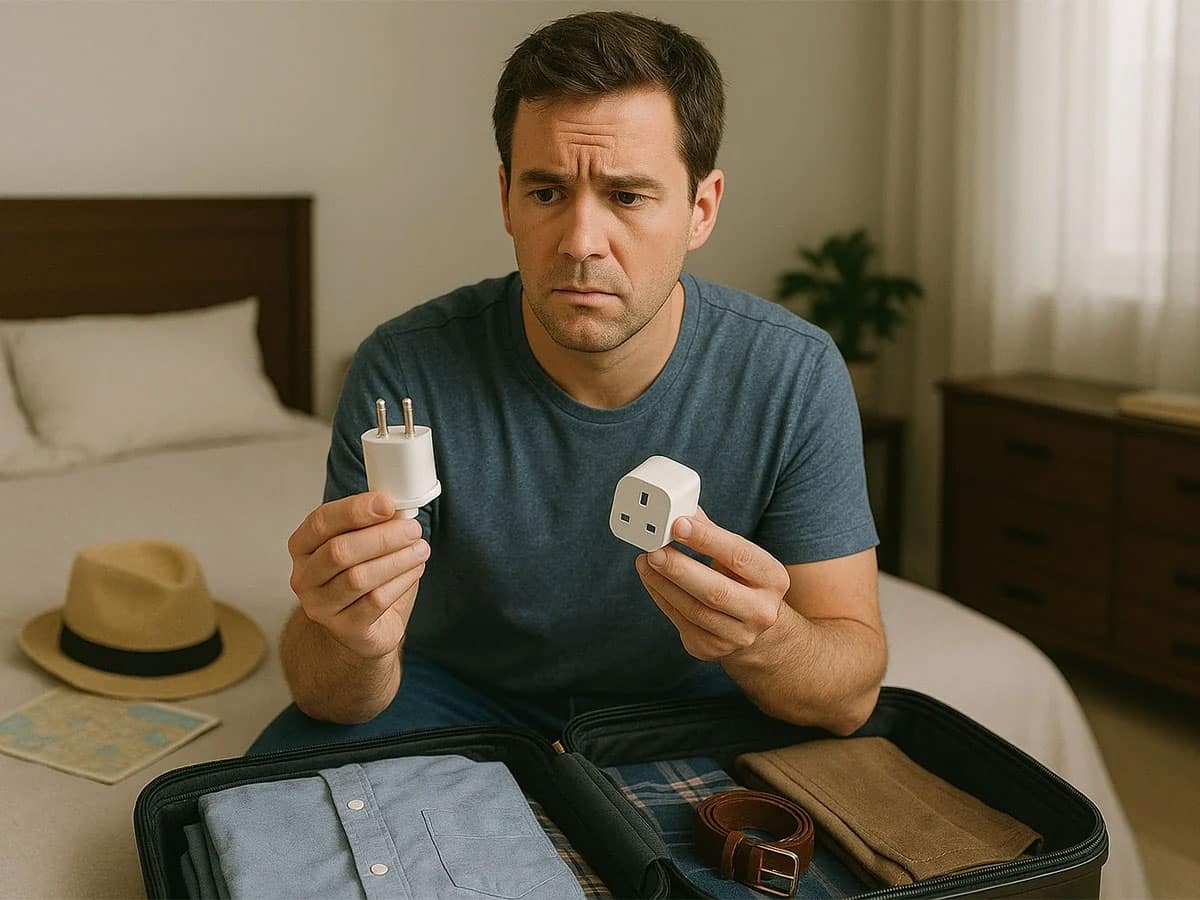
One of the biggest mistakes international travelers make is assuming their chargers will work wherever they’re going. But electrical outlets vary from country to country, and there’s nothing more frustrating than arriving at your hotel after a long flight only to discover you can’t plug in your phone charger.
That’s why I always pack a universal travel adapter when traveling internationally. I especially like travel adapters that have multiple USB ports because when I’m traveling with my wife and two kids, we have a number of devices that need charging. Between our phones, iPads, Apple Watches and other gadgets, finding enough outlets in a hotel room can sometimes feel like a competition.
A TESSAN universal travel adapter can help simplify that process by allowing you to connect compatible devices without having to carry a collection of different plug adapters. Depending on the model, multiple charging ports can also make it easier to keep everyone’s devices powered up.
Important tip: A travel adapter is not a voltage converter. Always check that your electronics support the local voltage before plugging them in. Most modern phone and laptop chargers are dual-voltage, but appliances like hair dryers and curling irons may not be. Here’s a helpful guide.
 2. Forgetting to Download Offline Maps
 2. Forgetting to Download Offline Maps
I don’t know how travelers managed before Google Maps and Apple Maps. Well, actually, I do, because I used to be one of them! But one mistake I see people make is assuming they’ll always have an internet connection when they need directions.
That can be a problem when you’re driving through a remote area, traveling internationally without a data plan or exploring somewhere with spotty cell service.
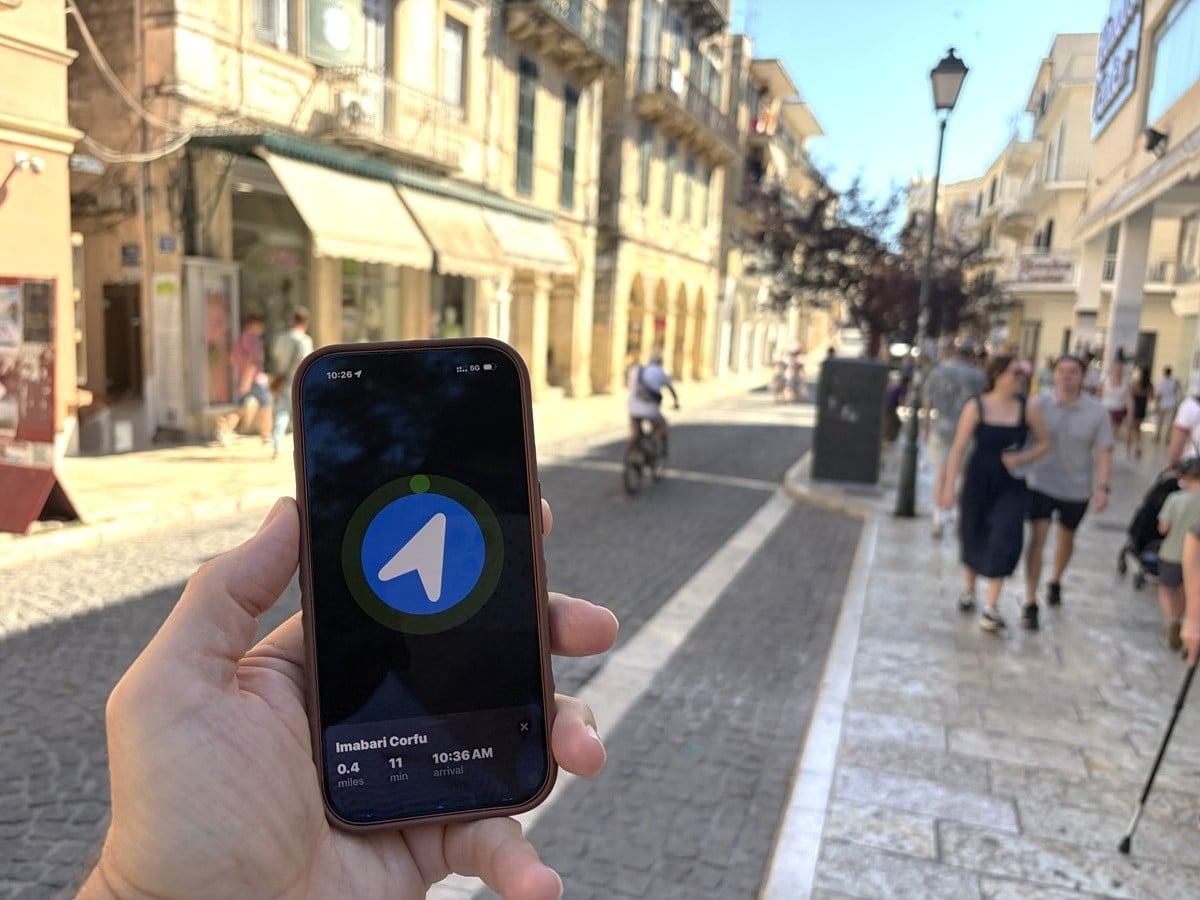
Before leaving home, I recommend downloading offline maps of your destination. Both Google Maps and Apple Maps let you download maps in advance, so you can navigate even when you don’t have Wi-Fi or cellular service. Just keep in mind that some features may be limited when you’re offline. This way, even if you lose your connection, you’ll still have access to downloaded map information and supported navigation features.
Bonus tip: Save the location of your hotel before heading out sightseeing. You’d be surprised how easy it is to forget the name or exact location of your hotel, especially in a foreign city. If you’re traveling internationally, grab a business card from the front desk or ask the staff to write down the hotel’s name and address in the local language. Then take a photo of it in case you lose the card. That way, if you need to take a taxi back to your hotel, you can simply show the driver exactly where you need to go without worrying about language barriers or mispronouncing the name. Trust me, this simple trick would have saved me a lot of time, money and stress over the years!
3. Not Setting Up an eSIM Before Traveling Internationally
 3. Not Setting Up an eSIM Before Traveling Internationally
One of my favorite travel technology advancements in recent years is the eSIM. I used to worry about international roaming charges or having to find a local SIM card after landing. These days, getting connected overseas is usually much easier.
I use T-Mobile for my regular phone service, but I also travel with eSIM options like Airalo, Holafly, GigSky, Maya Mobile and Ubigi, depending on where I’m going and what kind of coverage I need.
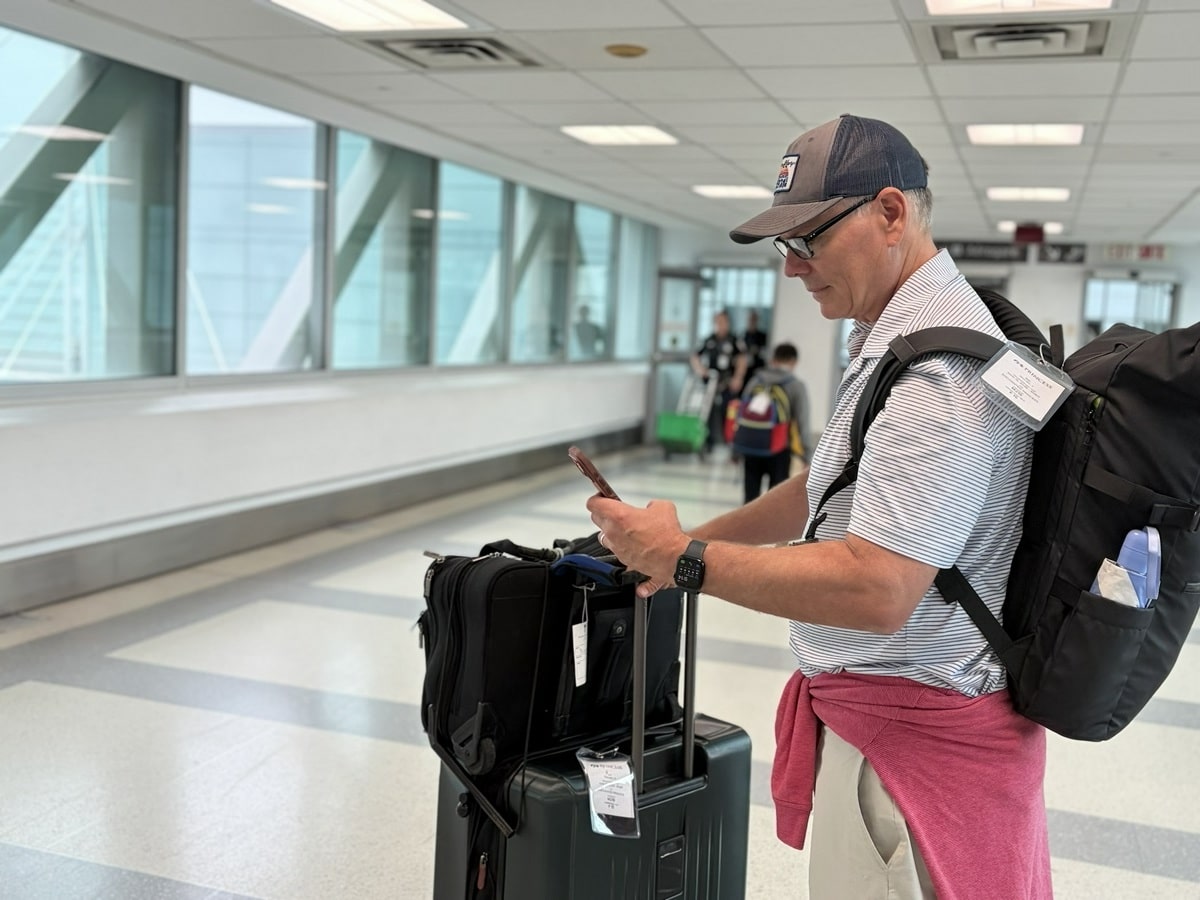
On a recent trip to Paris, for example, I used an eSIM to supplement my regular phone service. My advice is to research your options and install or configure your eSIM before leaving home, while you still have reliable Wi-Fi. Depending on the provider, you may need to wait until you arrive at your destination to activate the plan.
Also, check whether your phone is unlocked and supports eSIM technology. There’s nothing worse than landing in a foreign country, needing to order a ride or look up directions and realizing you have no way to get online.
 4. Relying on Just One Charging Cable
 4. Relying on Just One Charging Cable
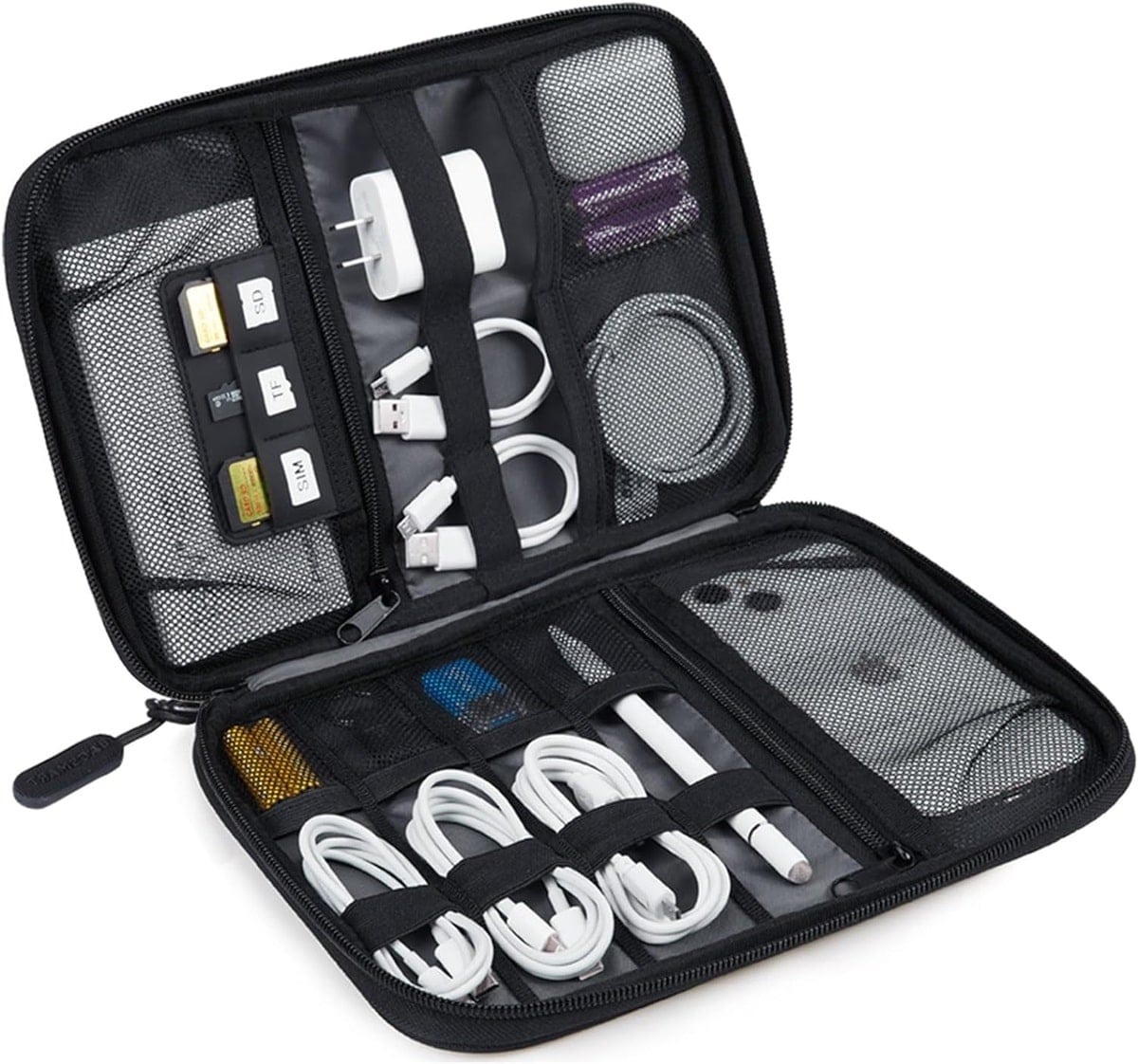
This might sound like a minor mistake, but it can become a major headache. Charging cables get lost, damaged or simply stop working. I’ve also stayed in plenty of hotel rooms where the outlets were in awkward locations, making it difficult to charge a phone next to the bed.
That’s why I always pack back-up charging cables. I also try to keep my charging set-up organized rather than carrying a tangled mess of cords and adapters.
When traveling with my family, I like having a centralized charging station where everyone can plug in their devices. A multiport TESSAN charger or compatible travel adapter can be useful for this, particularly in hotel rooms with limited outlets.
And here’s another tip: Before checking out of your hotel, always check the outlets. Chargers and charging cables are among the easiest things to leave behind. One trick I use is wrapping my charging cord around my suitcase handle when I’m packing up so I won’t forget it.
5. Not Downloading Entertainment Before a Flight
 5. Not Downloading Entertainment Before a Flight
Never assume your flight will have working Wi-Fi or seatback entertainment. Even airlines that advertise Wi-Fi can experience technical problems and sometimes the entertainment system simply doesn’t work.
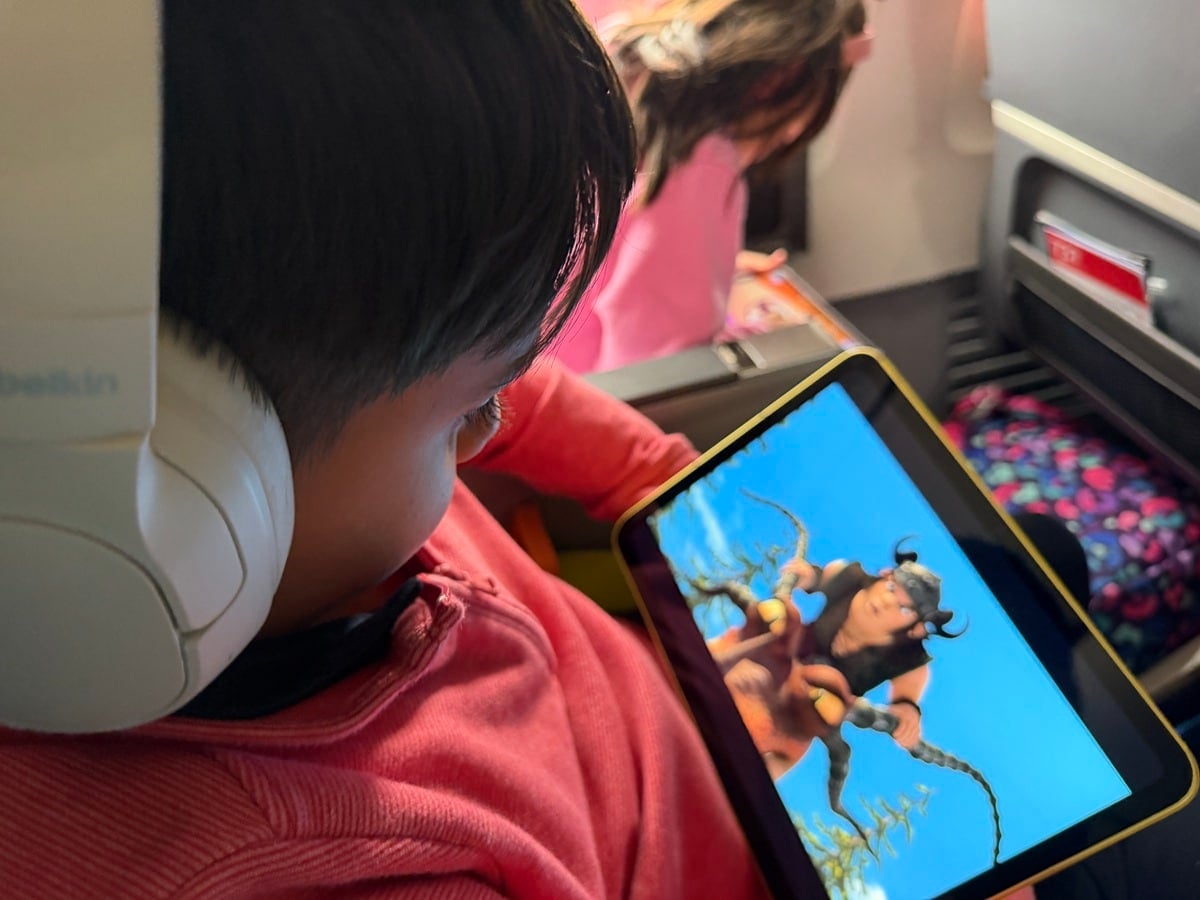
I learned a long time ago to prepare for the worst and hope for the best, especially when traveling with kids. Before a flight, I download movies, television shows, podcasts and other entertainment onto our devices.
My kids are only allowed to use their iPads when we travel, which is probably one of the reasons they’re so well-behaved on airplanes! Since screen time is such a treat for them, they actually look forward to long flights. That’s why I always make sure their iPads are loaded with downloaded movies, TV shows and games before we leave home. It makes the flight much more enjoyable for everyone, including the passengers sitting around us.
Just remember that streaming services sometimes require you to reconnect to the internet periodically to verify downloaded content, so check everything before departure.
Bonus tip: Don’t forget headphones. And if your kids use wireless headphones, make sure they’re charged before leaving home.
6. Forgetting to Charge Your Portable Power Bank
 6. Forgetting to Charge Your Portable Power Bank
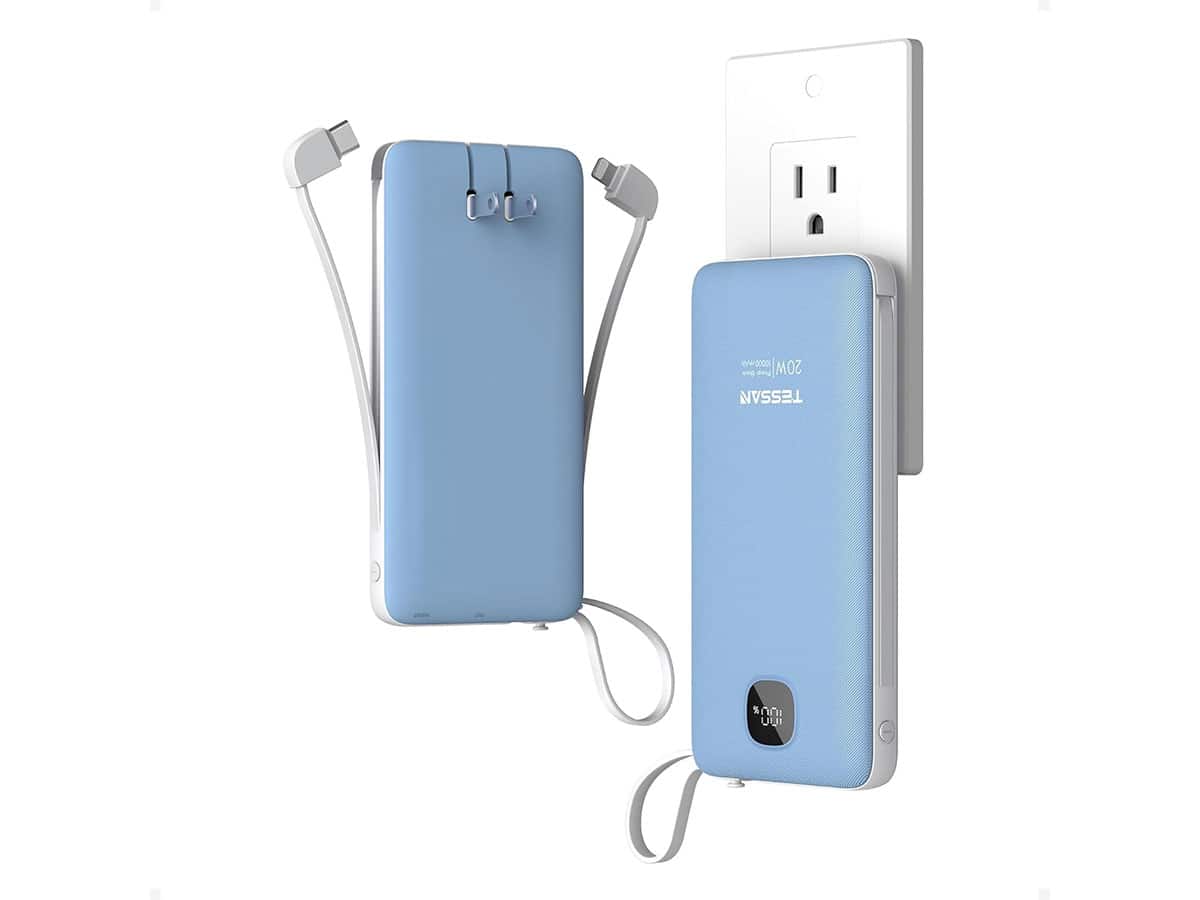
A portable power bank is one of my favorite travel accessories, but it’s completely useless if you forget to charge it. Imagine being stuck at an airport during a lengthy delay, with your phone battery down to 5%, only to discover your back-up battery is dead, too.
Your phone is often your boarding pass, hotel key, camera, navigation system and primary way of communicating with family. Running out of battery can create a lot of unnecessary stress. I recommend charging your power bank the night before your trip and checking its battery level before heading to the airport.
Important: Spare lithium-ion batteries and power banks generally must travel in your carry-on baggage, not checked luggage. FAA and airline restrictions also apply to battery capacity, so check the rules before flying.
7. Not Putting a Tracker in Your Checked Luggage
 7. Not Putting a Tracker in Your Checked Luggage
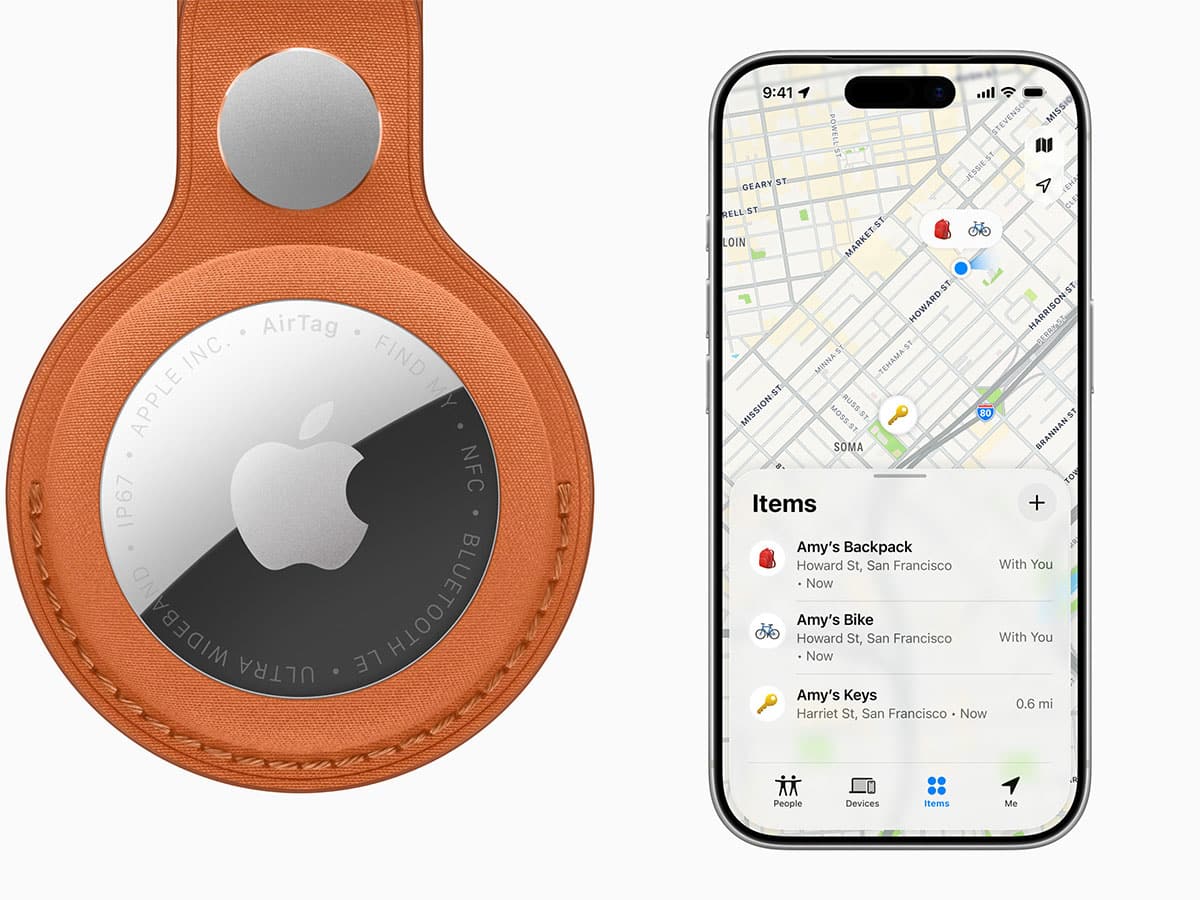
If you check luggage, I strongly recommend putting a tracking device inside your bag. I use Apple AirTags in our luggage, and they’ve provided valuable peace of mind over the years. It’s reassuring being able to check your phone and see whether your suitcase is near your plane, at your connecting airport or still sitting hundreds of miles away.
Of course, an AirTag doesn’t guarantee that an airline will find or deliver your bag any faster, and location updates aren’t always immediate. But it can provide useful information when you’re trying to figure out where your belongings ended up. Some airlines also allow passengers to share tracking information to help locate delayed luggage.
I also recommend taking a quick photo of your checked bag before handing it over. If it goes missing, having a picture can make it easier to describe to airline staff.
8. Not Signing Up for Flight Alerts
 8. Not Signing Up for Flight Alerts
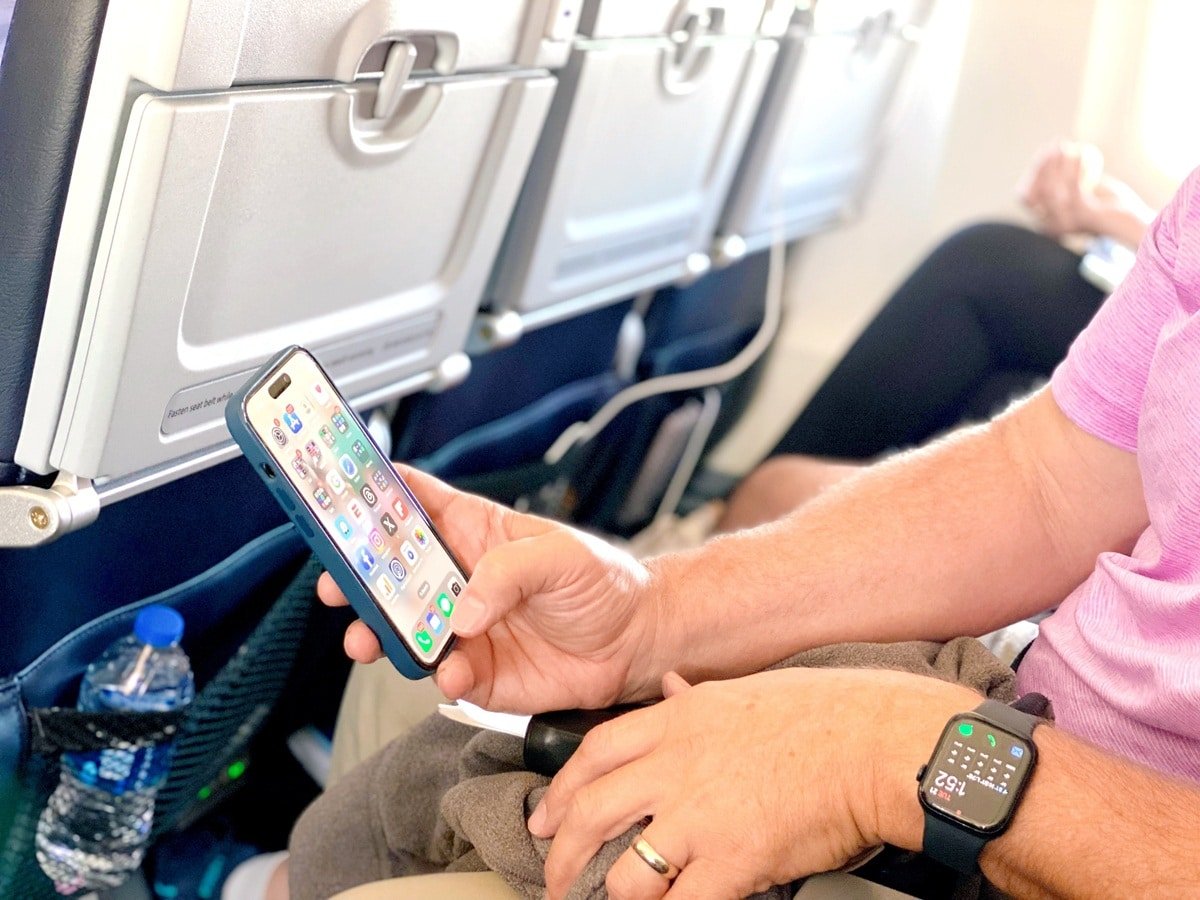
This is one of my biggest travel pet peeves. Too many travelers rely exclusively on airport departure boards or wait for an airline employee to announce that their flight is delayed. By then, it may already be too late to grab one of the last available seats on another flight.
I use the Flighty app, along with the airline’s own app, to monitor my flights. Flighty Pro is especially useful because it can provide information about inbound aircraft, delays and other operational details. Sometimes you can see that your plane is running late before your airline officially updates the departure time.
That information can be incredibly valuable, especially when you have a tight connection or need to make alternate arrangements. I also recommend enabling notifications in your airline’s app and making sure your contact information is up to date.
My advice: Don’t wait until you’re standing at the gate to start monitoring your flight. I begin checking mine well before leaving for the airport.
9. Connecting to Public Wi-Fi Without Thinking About Security
 9. Connecting to Public Wi-Fi Without Thinking About Security
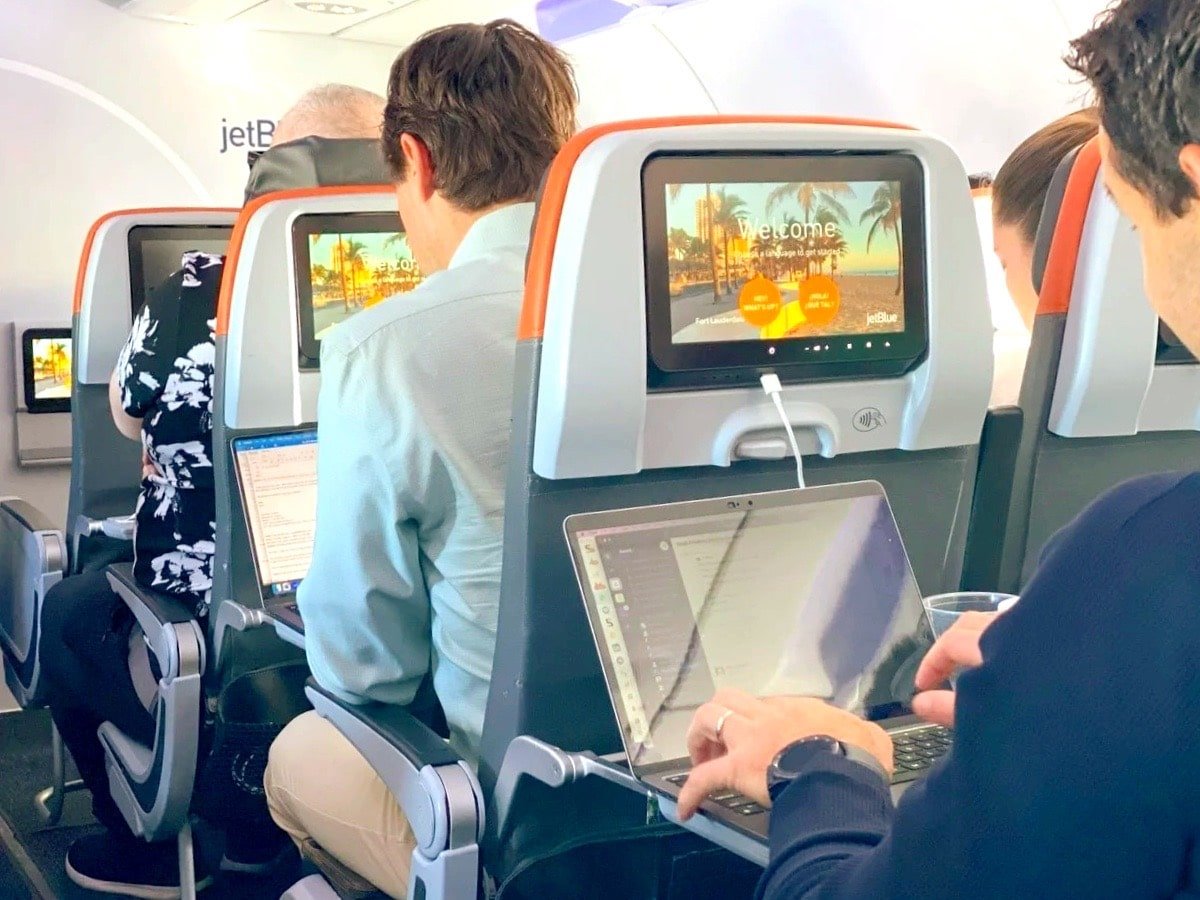
Free Wi-Fi is one of those travel conveniences we’ve all come to expect, whether we’re at an airport, hotel, coffee shop or restaurant. But not every Wi-Fi network is legitimate.
Cybercriminals can create fake networks with names that look similar to official airport or hotel Wi-Fi, hoping unsuspecting travelers will connect. Before joining a public network, verify its name with the hotel or business. Be cautious of suspicious login pages, keep your devices updated and use secure websites.
A reputable VPN can offer additional protection in certain situations, but it isn’t a substitute for basic online security practices.
Personally, when I have a reliable cellular connection, I often prefer using my phone’s data or personal hotspot rather than connecting to an unfamiliar public network. And never enter sensitive personal or financial information into a website that looks suspicious.
10. Not Backing Up Important Travel Documents
 10. Not Backing Up Important Travel Documents
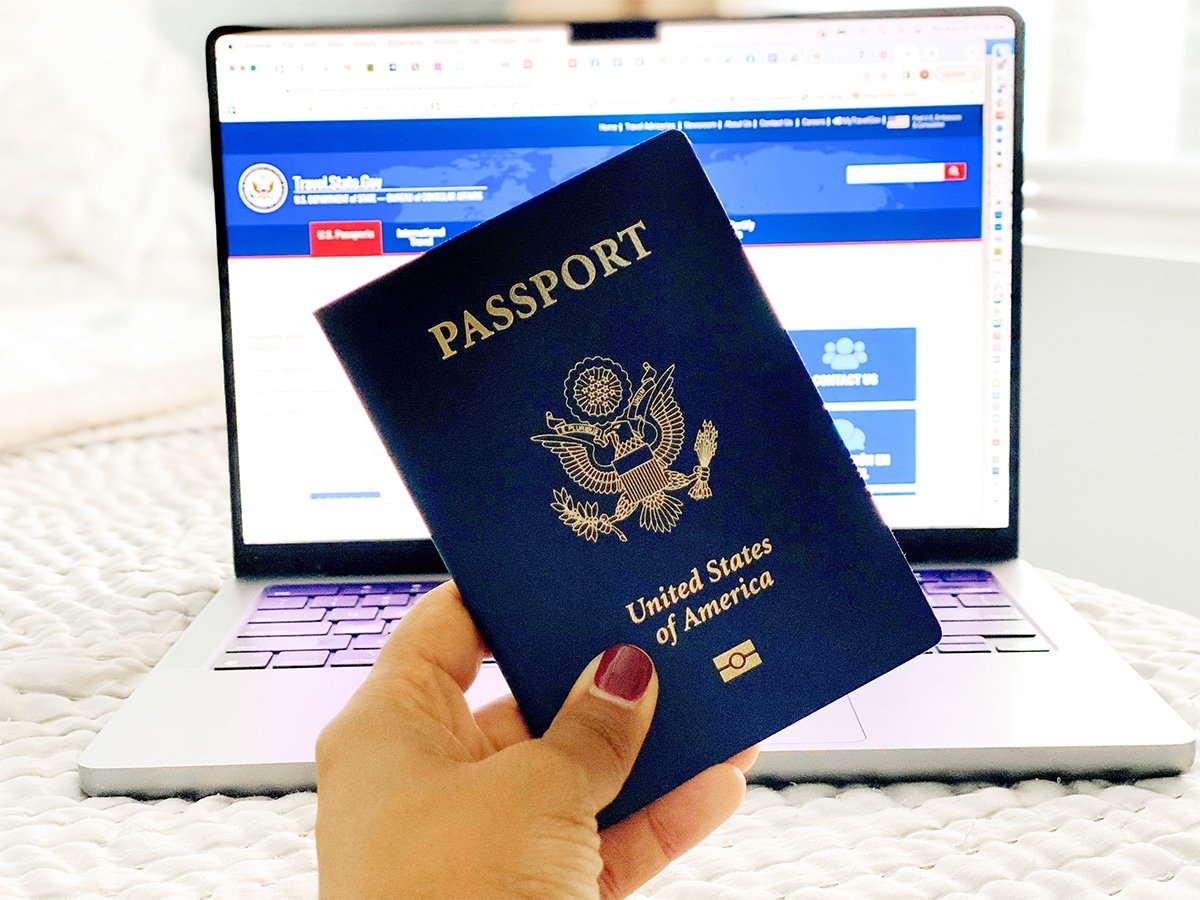
Here’s a scenario nobody wants to experience: You’re overseas, your phone gets stolen or stops working, and suddenly you can’t access your hotel confirmation, airline reservation or important travel documents. That’s why I always recommend having backups.
Keep secure digital copies of your passport, travel insurance information, hotel confirmations and other important documents. Make sure you can access essential information offline or from another device if necessary.
I also like having my airline and hotel apps installed and logged in before leaving home. And while digital boarding passes are super convenient, don’t forget that you may still need physical identification and other original documents when traveling. I always travel with my passport and I keep it somewhere secure.
One of my favorite tricks when using the safe, is putting a shoe in there along with my passport and other valuables. Since I usually wear the same shoes when flying home, there’s no way I’m leaving the hotel without opening the safe.
I started taking this seriously after a trip through Europe with two childhood friends. We were traveling by train between Vienna and Budapest when a conductor came around checking tickets and passports. Suddenly, one of my friends realized he’d left his passport in the hotel safe. Let’s just say it turned into a very costly and time consuming mistake. It’s a reminder that sometimes the simplest travel hacks are just as important as the latest technology.
Invest in Reliable Travel Accessories That Simplify Your Routine
Travel technology has come a long way and I genuinely believe it’s made exploring the world easier, safer and more convenient. But the key is being prepared. A few minutes spent downloading maps, organizing your charging cables, setting up flight alerts and backing up important documents can save you hours of frustration later.
I also think it’s worth investing in reliable travel accessories that simplify your routine. That’s one reason I appreciate products like TESSAN’s travel adapters and charging solutions. When you’re traveling with multiple devices, especially as a family, having the right charging set-up can eliminate one more headache.
And remember, no matter how much technology you pack, don’t forget to do one final sweep of your hotel room before checking out. Because even the smartest gadgets can’t help you if you leave them plugged into the wall!
What travel technology mistake have you made, and what did you learn from it?