When I first started traveling, one of the most common travel tips was to make a photocopy of your passport. Travelers were also advised to empty their wallets onto a copy machine and photocopy the front and back of all their credit cards.
 The idea was to leave one set of copies at home with a trusted friend or family member and carry another set somewhere separate from your passport and wallet. That way, if your wallet or passport was lost or stolen, you would have the information you needed to cancel your credit cards or get a replacement passport.
As technology evolved, I started scanning copies of my important documents and emailing them to myself so I could access them from anywhere in the world.
But technology has come a long way since then and there are now much better and more secure ways to protect your important information.
A woman named Beth V. recently asked a fantastic question in the Rick Steves’ Europe Facebook group: “Any recommendations on secure document storage apps for travel?”
The answers were eye-opening, not only because of the variety of suggestions but because they got me thinking about how much our travel habits have changed and how vulnerable we can be if we lose our phones.
What other travelers recommend
Among the most popular suggestions were Google Drive and Dropbox, which allow travelers to access their documents from virtually anywhere with an internet connection. One commenter, Mark D., said he uses Google Drive and keeps a duplicate set on Dropbox.
Several iPhone users recommended using the built-in Notes app or the hidden photo album to protect sensitive documents.
Machelle D. wrote: “You can use the Notes app on iPhone….and lock the documents so that only you can access. I do this and travel extensively. No need for yet another app.”
Other travelers recommended Proton Drive, 1Password, Keeper, Microsoft OneDrive and Apple’s iCloud.
Some still prefer the old-fashioned approach. Rhonda E. wrote: “I made a paper copy for both my daughter and to have with us as well, because technology has a habit of glitching or get stolen if you are unlucky.”
That’s an excellent point. We tend to assume we’ll always have our phones, internet access and the ability to log into our accounts. But what happens if your phone is the very thing that’s stolen?
What do the experts recommend?
Interestingly, the U.S. State Department’s international travel checklist still recommends making multiple copies of your important travel documents. The State Department advises travelers to leave a set with a trusted friend or family member, carry another set separately from their original documents and take photos of their travel documents with their phones.
Having copies can make it easier to replace your documents if they’re lost or stolen. Just remember that a photocopy of your passport isn’t a substitute for the real thing when crossing international borders. The Federal Trade Commission also recommends keeping your bank’s customer service numbers in your phone and reporting lost or stolen credit and debit cards immediately.
The best ways to securely store your travel documents
Here are some of the options worth considering:
1. Use an encrypted password manager
Password managers like 1Password and Keeper can do much more than store passwords. They also offer ways to securely store sensitive information and documents, including passport details and copies of important records. This is particularly appealing for families since some services offer shared family vaults, allowing trusted family members to access important information in an emergency.
2. Consider an encrypted cloud storage service
Google Drive and Dropbox are convenient, especially if you already use them. However, for particularly sensitive documents, consider a service that offers end-to-end encryption by default, such as Proton Drive. End-to-end encryption means that the service provider cannot read your stored files. Proton Drive also offers a free plan, which should provide more than enough space for most travelers’ important documents.
Whichever service you choose, use a strong, unique password and enable two-factor authentication.
3. Take advantage of your phone’s built-in security features
If you have an iPhone, you can lock individual notes or store photos in your hidden album, which can require Face ID, Touch ID or your passcode to access. Apple also offers an optional feature called Advanced Data Protection for iCloud, which extends end-to-end encryption to additional categories of data, including photos, notes and iCloud backups.
Another feature worth enabling is Stolen Device Protection, which makes it more difficult for someone who steals your iPhone and knows your passcode to access sensitive information or make important changes to your account. Android users should look into the security features available on their particular devices, such as Samsung’s Secure Folder.
4. Keep an offline backup
One of the best suggestions in the Facebook discussion was to keep copies of important documents that you can access without an internet connection. You might be in a remote destination, on a cruise ship, experiencing an internet outage or simply unable to log into your cloud account.
Make sure your most important documents are available offline in a secure app. And yes, I still think carrying a paper copy of your passport separately from the original is a good idea.
Don’t forget about your credit cards
These days, most major banks and credit card companies have apps that allow you to temporarily lock your cards, review transactions and report suspicious activity. I recommend enabling both text message and push notifications for your credit cards and bank accounts, when available. That way, you’ll know almost immediately when someone makes a purchase or withdrawal.
If you can’t find your credit card, temporarily locking it through the app can give you some peace of mind while you look for it. But if you believe it’s been stolen, report it to your card issuer immediately rather than relying solely on the temporary lock.
I also recommend saving the official customer service numbers for your banks, credit card companies and airlines in your phone’s contacts before you travel. If you’re traveling internationally, save their international or collect-call numbers, too.
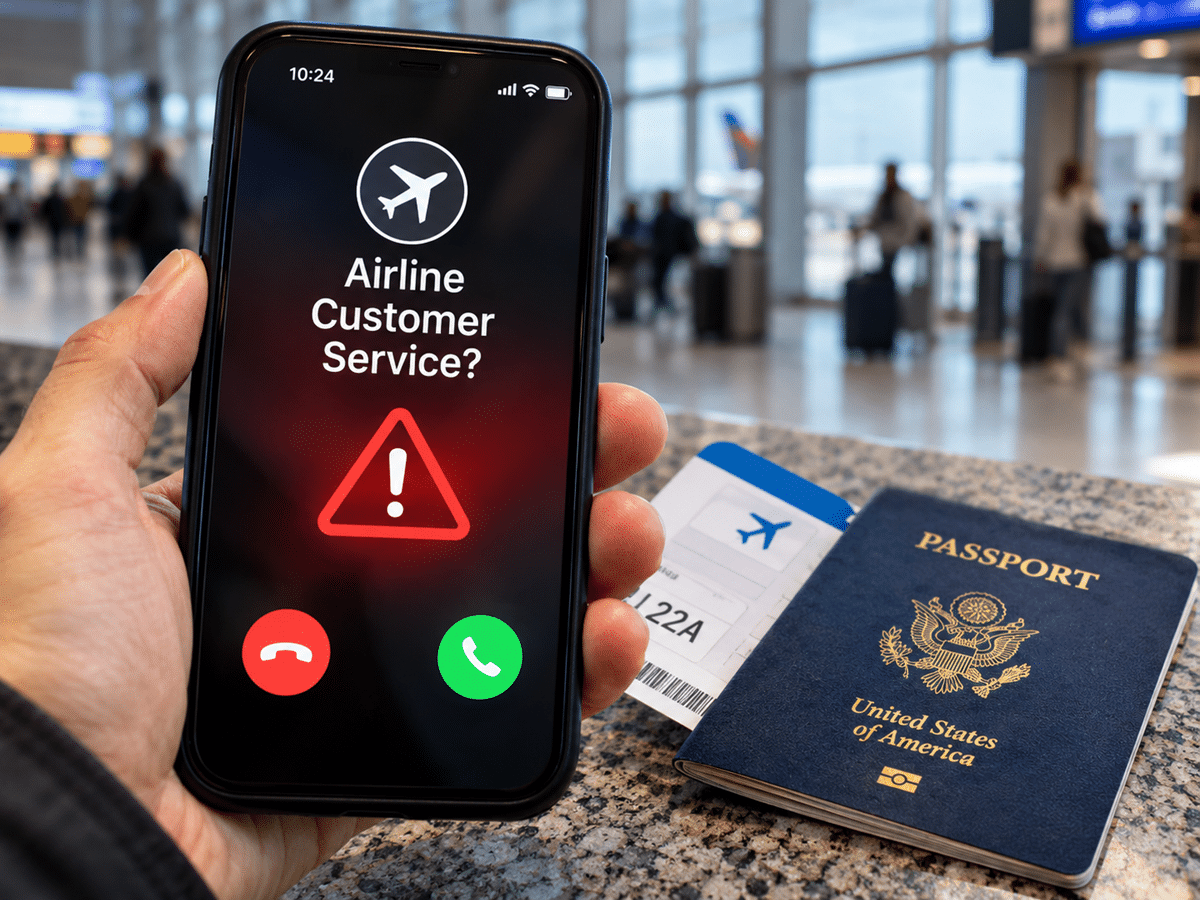
And here’s something I can’t stress enough: Never Google a bank, credit card company or airline’s customer service number and assume the first result is legitimate. Scammers can purchase sponsored search results or manipulate search rankings to get their fraudulent phone numbers in front of unsuspecting travelers. When you’re stressed about a lost credit card or canceled flight, you’re particularly vulnerable. Get the number directly from the company’s official app, website, your account statement or the back of your credit card.
What happens if your phone is stolen?
This is the part that I think many travelers overlook. Imagine you’re overseas and your phone is stolen. You borrow someone’s phone or computer to log into your email or cloud storage account, only to discover that the verification code is being sent to your stolen phone. Now what?
Before leaving home, make sure you have a way to recover access to your important accounts without relying exclusively on your phone. Depending on the service, that could mean setting up a trusted recovery contact, securely storing backup authentication codes or having another trusted device available.
Also, make sure you know how to remotely lock or locate your phone using Apple’s Find My or Google’s Find Hub.
What important documents should you keep copies of?
Here are some of the documents and information I recommend having securely stored before an international trip:
- Passport information page for every member of your family
- Driver’s license or other government-issued identification
- Visas and other required entry documents
- Travel insurance policy and emergency assistance numbers
- Health insurance information
- Prescription medications and copies of important prescriptions
- Flight, hotel, cruise and rental car confirmations
- Credit card issuer names, the last four digits of your cards and emergency contact numbers
- Contact information for the nearest U.S. embassy or consulate
- Emergency contact information for family members
I wouldn’t recommend keeping unencrypted photos of the front and back of all your credit cards in your regular photo gallery or email anymore. There’s no reason to leave your full card numbers and security codes sitting somewhere that could be easily accessed by someone who compromises your account.
The bottom line: Technology has made traveling much easier, but it has also created new vulnerabilities. I think the smartest approach is a combination of old-school travel wisdom and modern security tools. Keep your important documents securely stored digitally, carry a separate paper backup of your passport and leave a copy with someone you trust at home.
Hopefully, you’ll never need any of them. But if you do, you’ll be very glad you took a few minutes to prepare before leaving home.
KEEP READING:
What about you? How do you store your important documents when traveling? Do you still carry paper copies or have you gone completely digital? Please share your tips in the comments below.