

After I wrote about my L.A. to Chicago flight being diverted to Kansas City due to high winds, I found myself in a familiar travel situation, with a tight connection and the need to act fast. Instead of waiting on hold, I used American Airlines’ customer service chat and was able to quickly switch to a later Chicago–Toronto flight. It reminded me and my readers just how valuable airline chat tools can be when plans go sideways.
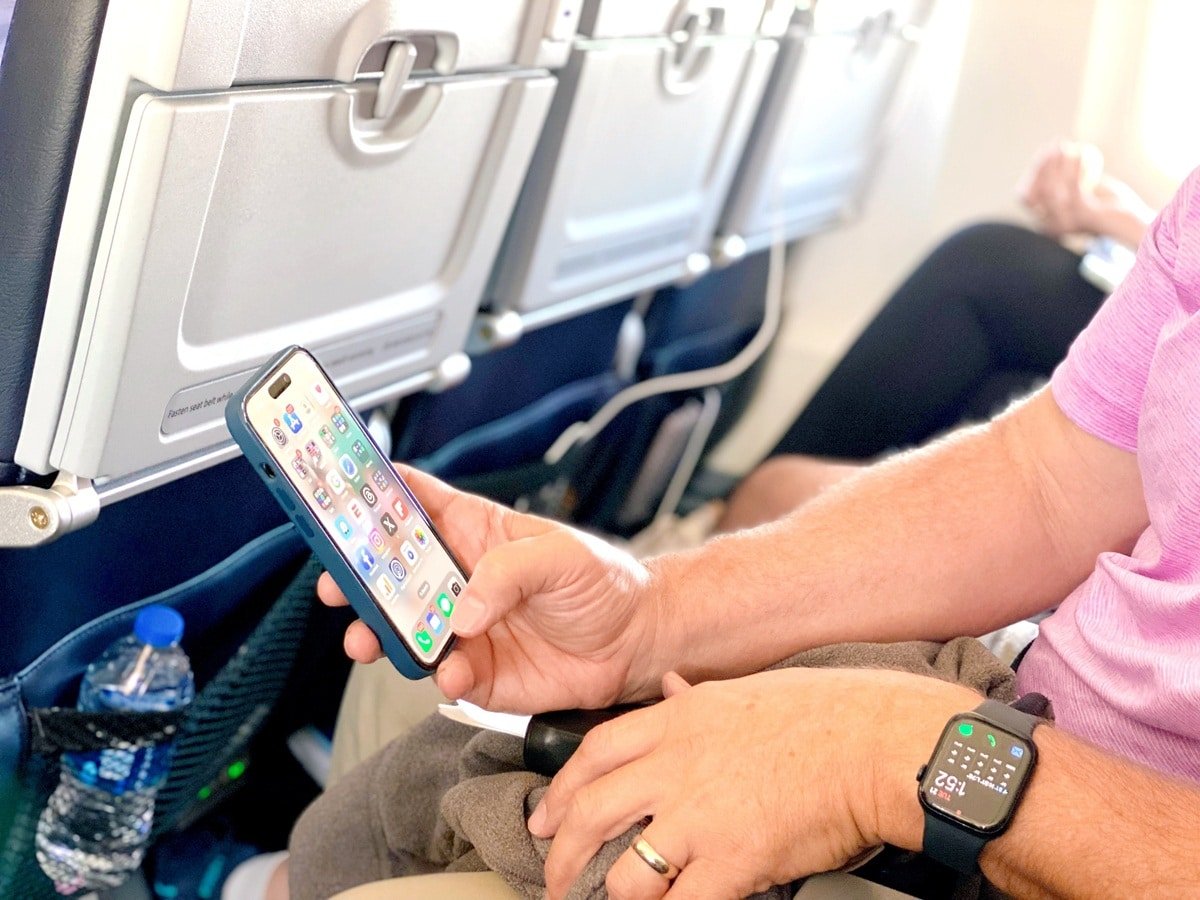 That experience prompted a great question from a newsletter subscriber. Martha (thanks for the idea!) asked, “Can you tell us how to access the customer service chats for the various major airlines?” Here is a practical guide for finding and using chat support.
 American Airlines

Website: American Airlines Contact (Click the ‘chat bubble’ in the bottom righthand corner to get started.)
App: Open the American Airlines app → Help → Contact American → select chat if available
American Airlines offers chat via its app and website, but it is not always obvious. The easiest method is through the app. Log in, go to Help, select Contact American, and choose chat if it appears. Availability can depend on your flight, elite status, and current call volume. If chat is not offered, the system will redirect you to phone support.
 Delta Air Lines
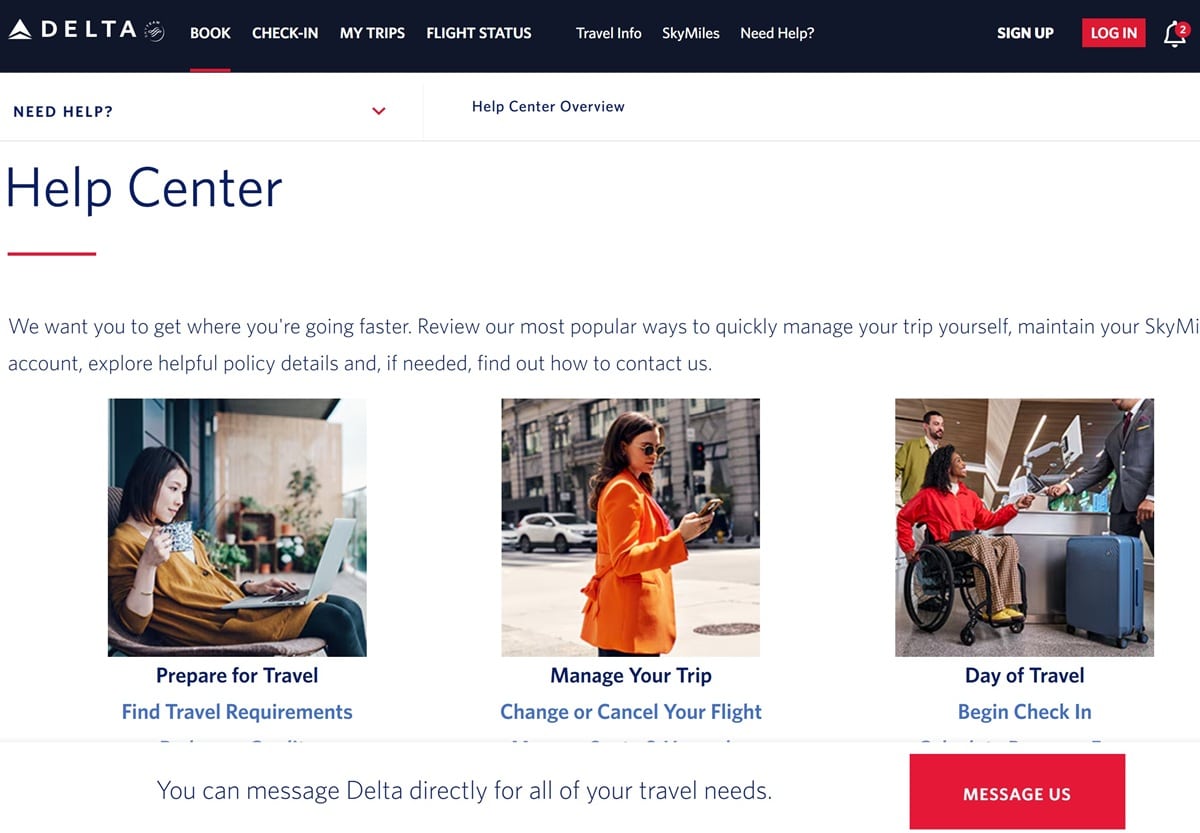
Website: Delta Contact (Scroll down and click “Message Us”)
App: Fly Delta app → More → Contact Us → Message Us → start chat with Messaging Assistant
Delta has one of the most reliable chat systems. The Messaging Assistant in the app can escalate you to a live agent if needed. Chat is especially useful for flight changes, delays, and rebooking during disruptions.
 United Airlines

Website: United Contact (Scroll down to “Chat with us”)
App: United app → Help Center → Chat with United → start with virtual assistant, request live agent
United’s chat is available through the app and website. Most interactions start with a virtual assistant, but you can request a live agent. United also supports SMS messaging, which is convenient if you do not want to stay in the app.
 Southwest Airlines
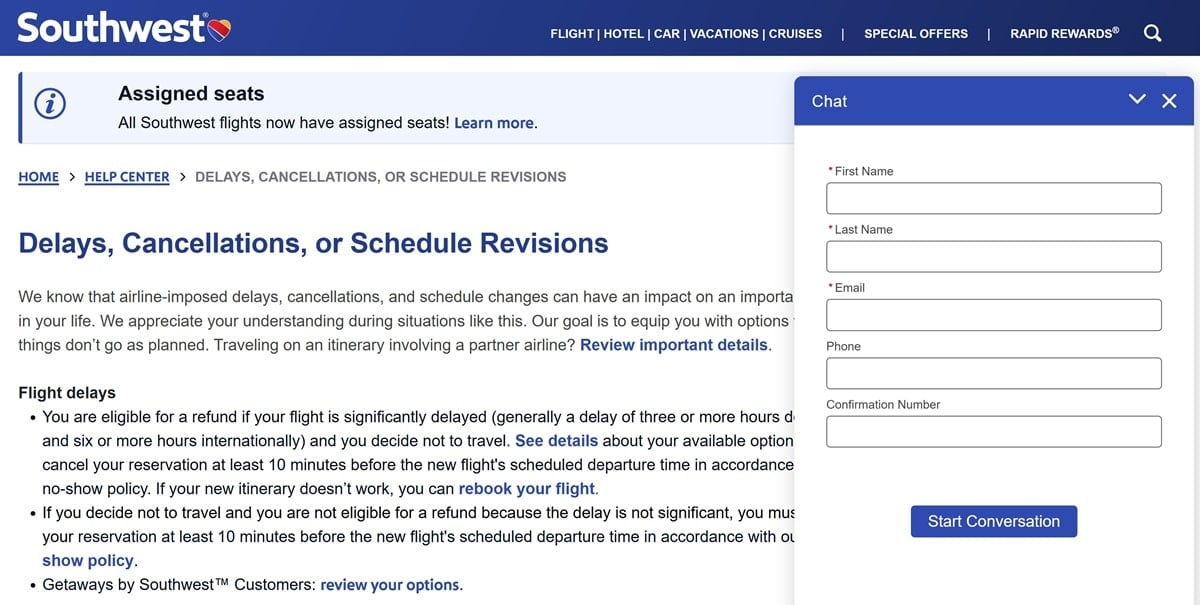
Website: Southwest Contact (Scroll down to the Chat icon)
App: Southwest app → Help & Contact → Chat (availability limited)
Southwest offers chat, but it is limited and not always available. When active, it appears via the app or website. It works well for simple questions or policy clarifications, but phone support is still key for same-day travel issues.
 JetBlue
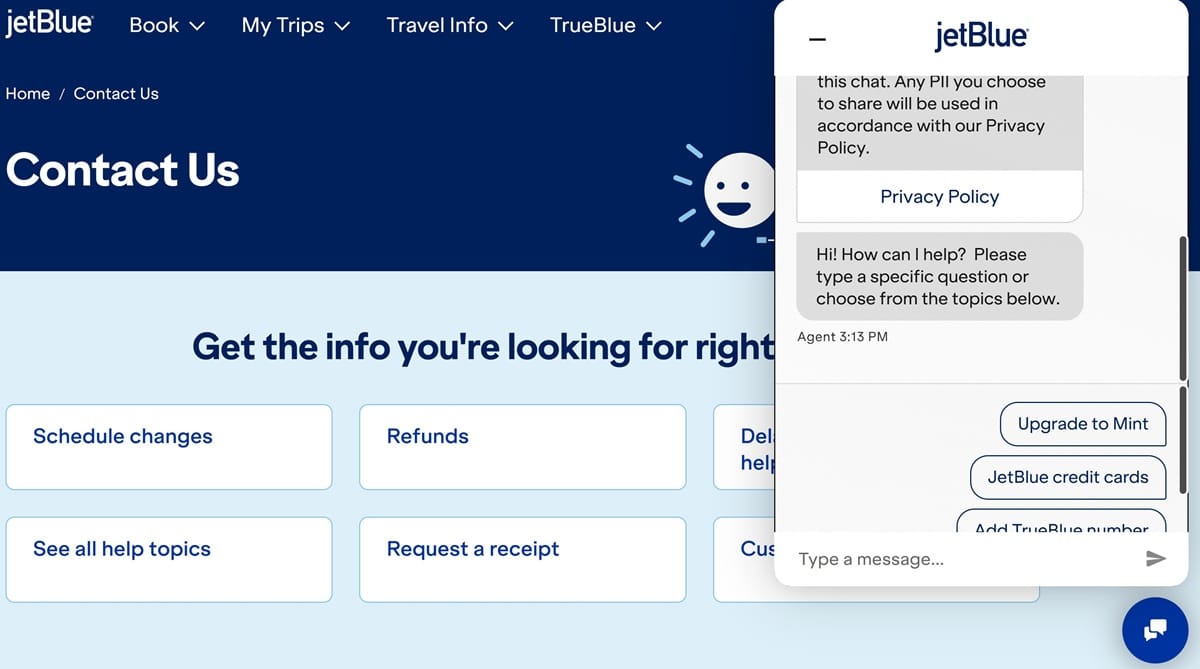
Website: JetBlue Contact (Scroll down to the Chat icon)
App/Messaging: JetBlue app → Contact Us → Chat; also available via iMessage or WhatsApp
JetBlue is among the easiest airlines to reach by chat. Agents are generally quick and helpful for seat changes, credits, and delays.
 Alaska Airlines
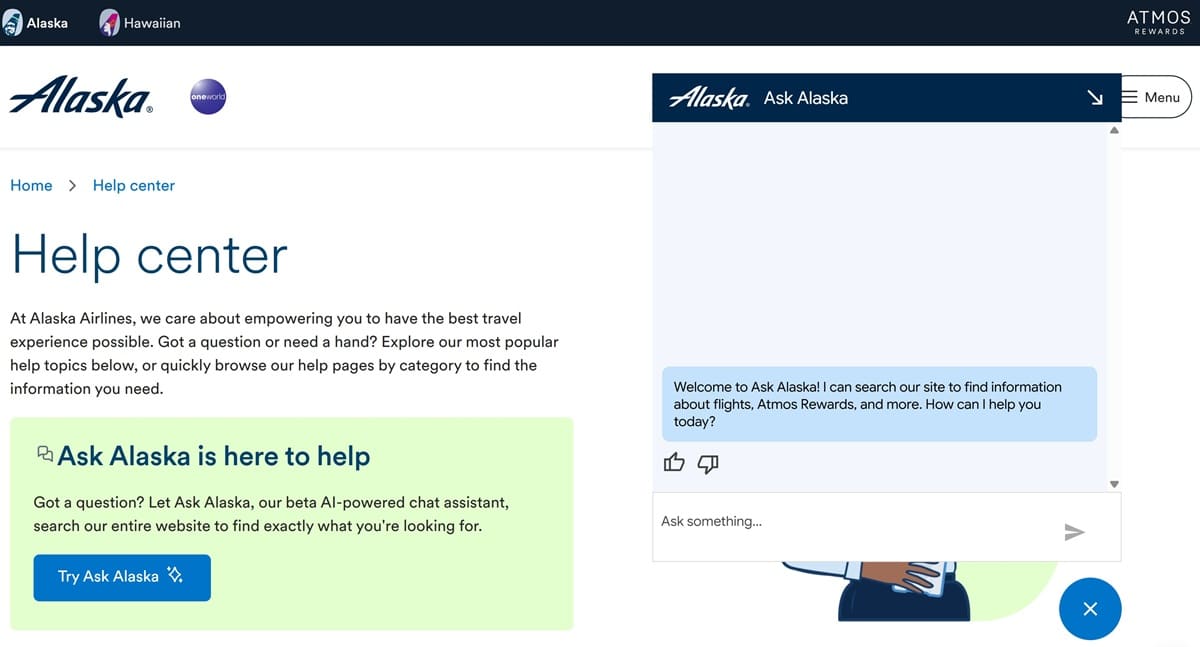
Website: Alaska Contact
App: Alaska app → Customer Care → Contact Us → Chat if available
Alaska Airlines offers chat through its website and app. It works well for mileage questions, same-day changes, and general booking help.
Pro Tips for Airline Chats
- Chat availability often depends on your flight status and time of day.
- Logging into your account increases the chance of reaching a live agent.
- During major delays or cancellations, chat queues may be long but usually faster than phone calls.
- Take screenshots if promises or changes are made via chat.
Airline chat tools are not perfect and availability varies, but when they work, they can save a lot of time and stress, especially during delays, cancellations, or missed connections. Knowing where to find them before you need them makes all the difference.


This is such a useful and timely guide! I appreciate how you clearly break down which airlines offer chat support and exactly where to find it — that makes customer service so much less frustrating. The screenshots and step‑by‑step tips are super helpful, especially when you’re trying to solve an issue quickly before a flight. Thanks for saving us from endless phone holds and confusing menus!